Purchasing - Comments
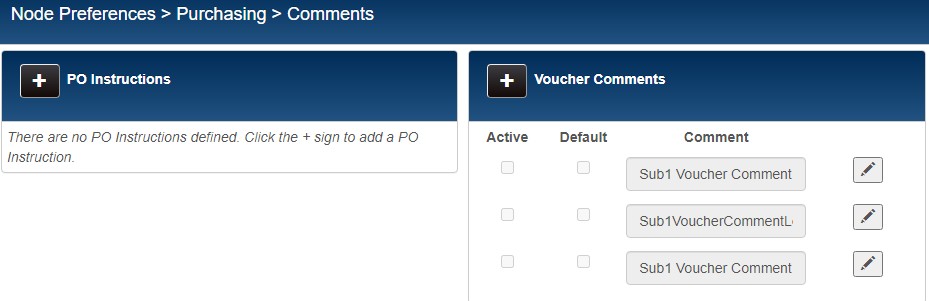
In this area of preferences, you can define any PO Instructions and Voucher Comments that will be available for selection when creating a purchase order or voucher. Define these preferences at the Subsidiary level, not at the Store or Workstation level.
Click the Plus Sign button. A blank text field is displayed. Type the Name.
Click the Check Mark button. The Instruction is added to the list.
Repeat as needed to create additional PO Instructions or Voucher Comments.